Best For
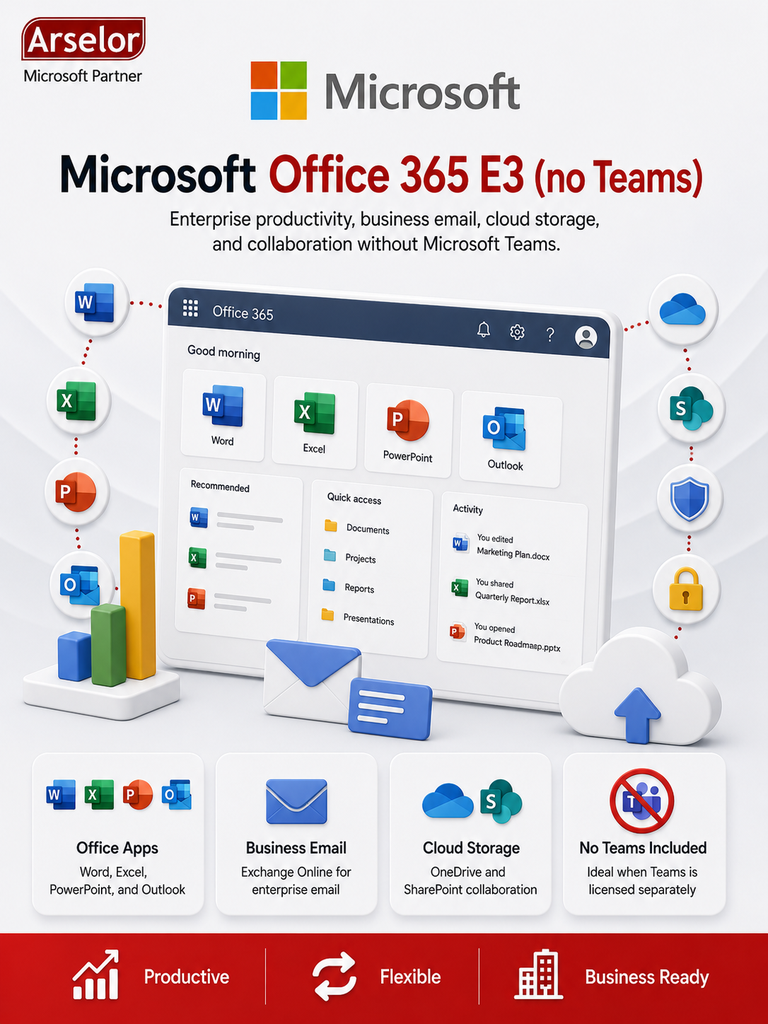
- Enterprises that need Office apps without Microsoft Teams
- Users who need Word, Excel, PowerPoint, Outlook, and OneNote
- Companies that need enterprise business email
- Organizations that need SharePoint and OneDrive collaboration
- Teams that need desktop, web, and mobile Office apps
- Businesses that already use another meeting or collaboration platform
Key Features
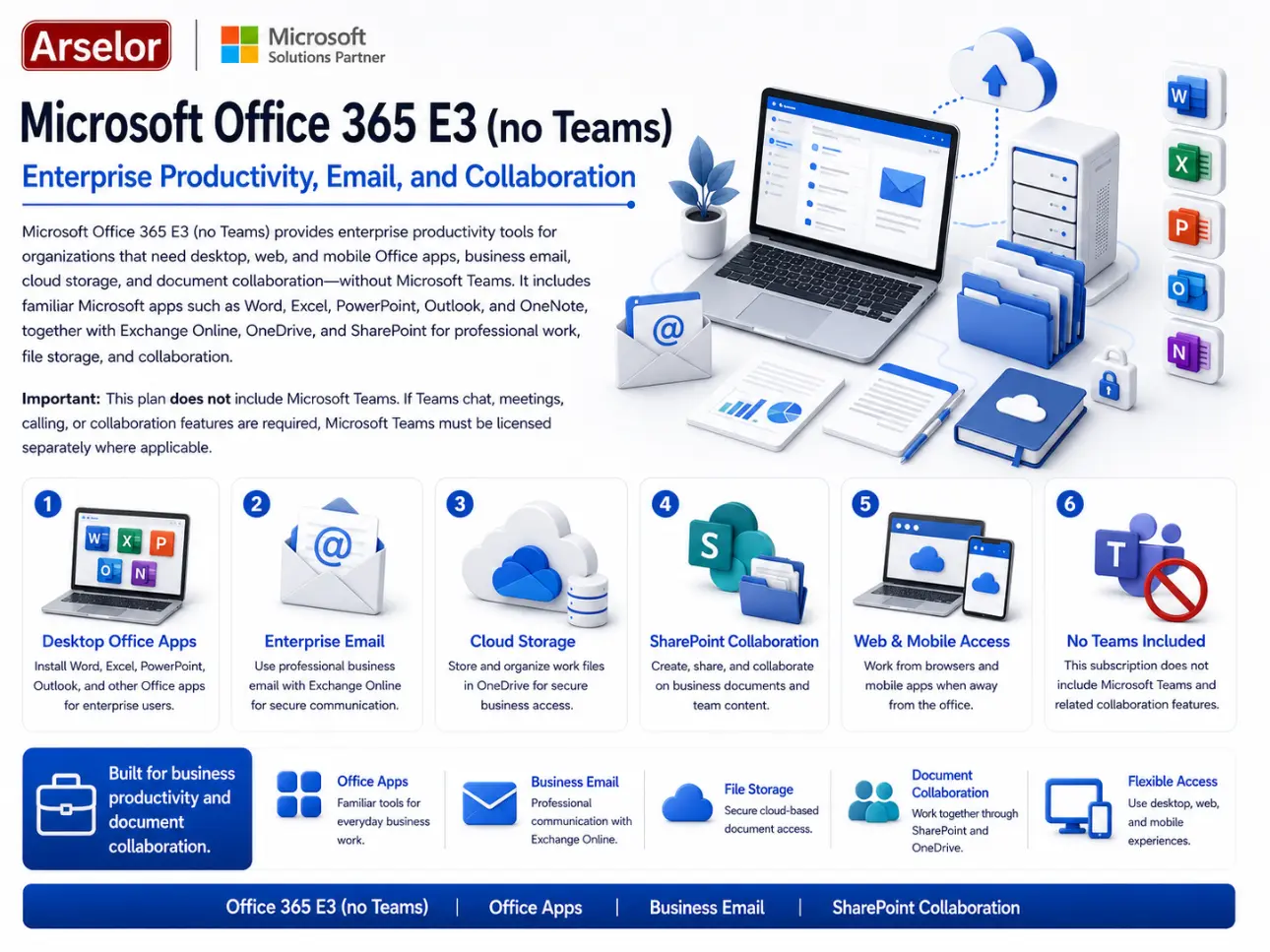
- Office 365 E3 enterprise subscription
- Desktop, web, and mobile Office apps
- Business email with Exchange Online
- OneDrive cloud storage
- SharePoint document collaboration
- Outlook desktop and web access
- Enterprise-grade productivity tools
- Document creation, editing, and sharing
- Suitable for large business users
- No Microsoft Teams included
Enterprise Productivity
Office Document Work
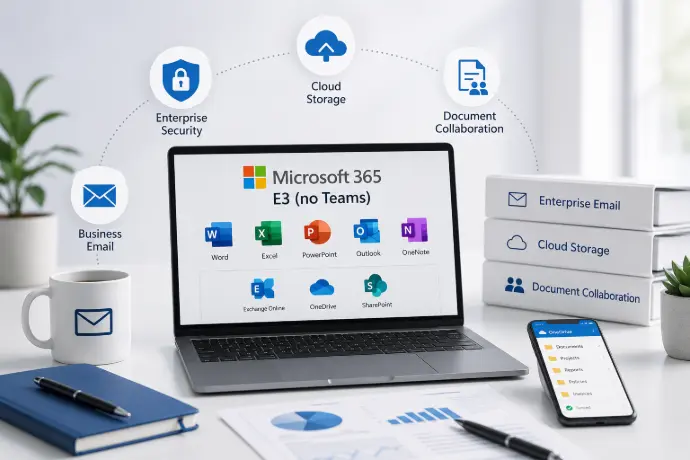
Create and edit business documents, spreadsheets, reports, presentations, and email using Microsoft Office apps.
Business Email
Use enterprise email with Outlook and Exchange Online for professional communication.
Cloud File Storage
Store and access user documents through OneDrive cloud storage.
Collaboration Without Teams
SharePoint Document Collaboration
Organize business files, departments, and shared document libraries using SharePoint.
Cross-Device Work
Work from desktop, browser, and mobile devices using supported Office apps.
Non-Teams Environment
Use Office 365 productivity tools when Microsoft Teams is not required or is licensed separately.
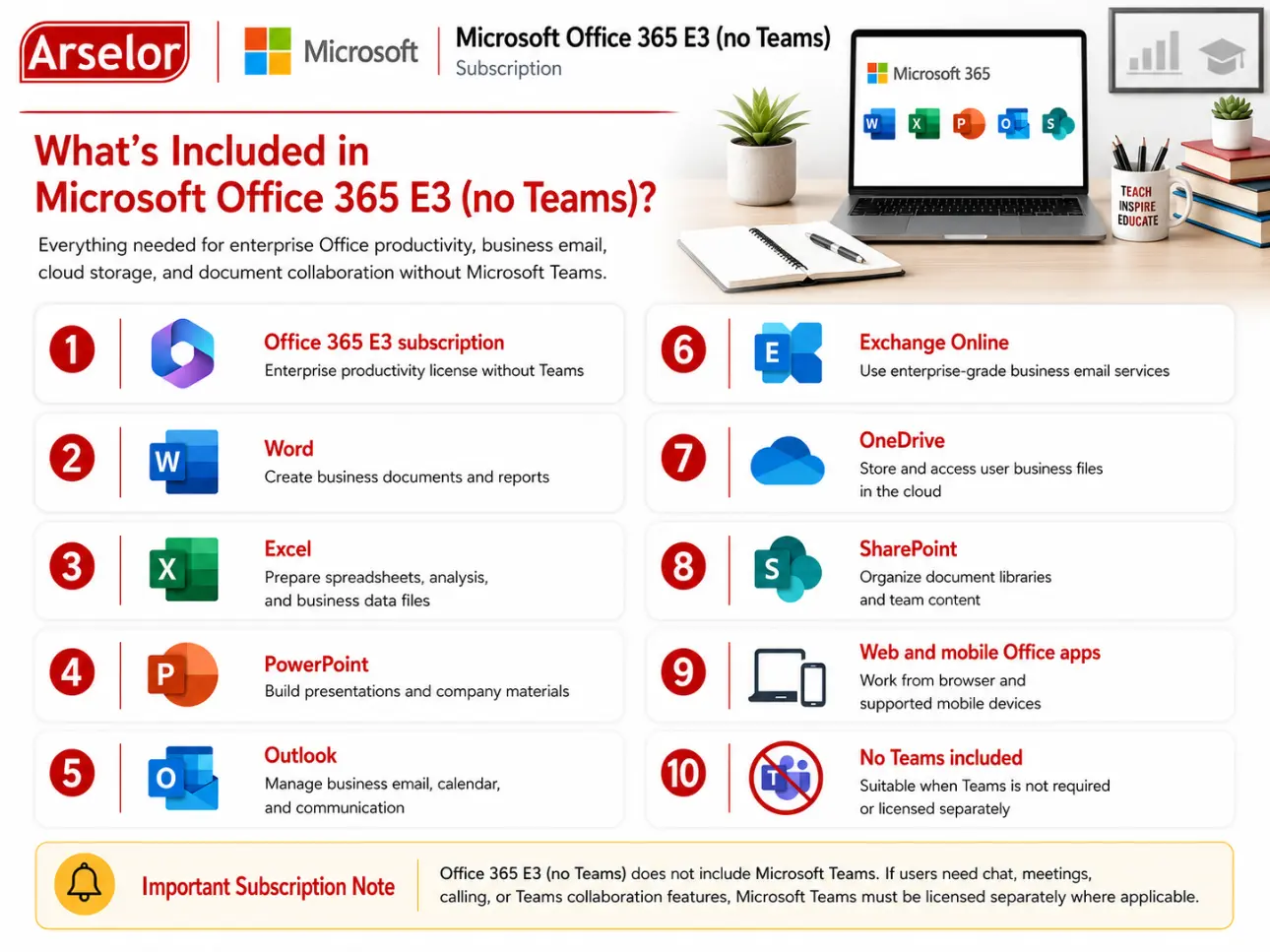
What’s Included in Microsoft Office 365 E3 (no Teams)?
Everything needed for enterprise Office productivity, business email, cloud storage, and document collaboration without Microsoft Teams.
Trademark Notice: Microsoft, the Microsoft logo, and all related product and service names, logos, trademarks, and registered trademarks are the property of the Microsoft group of companies. Arselor is an independent authorized Microsoft partner and reseller.