Best For
- Businesses that need professional video meetings
- Teams that need chat and basic collaboration
- Companies that meet with customers, suppliers, and external parties
- Users who need screen sharing and online meeting access
- Businesses that do not need full Microsoft 365 productivity apps
- Small teams that need an affordable standalone Teams subscription
Key Feature
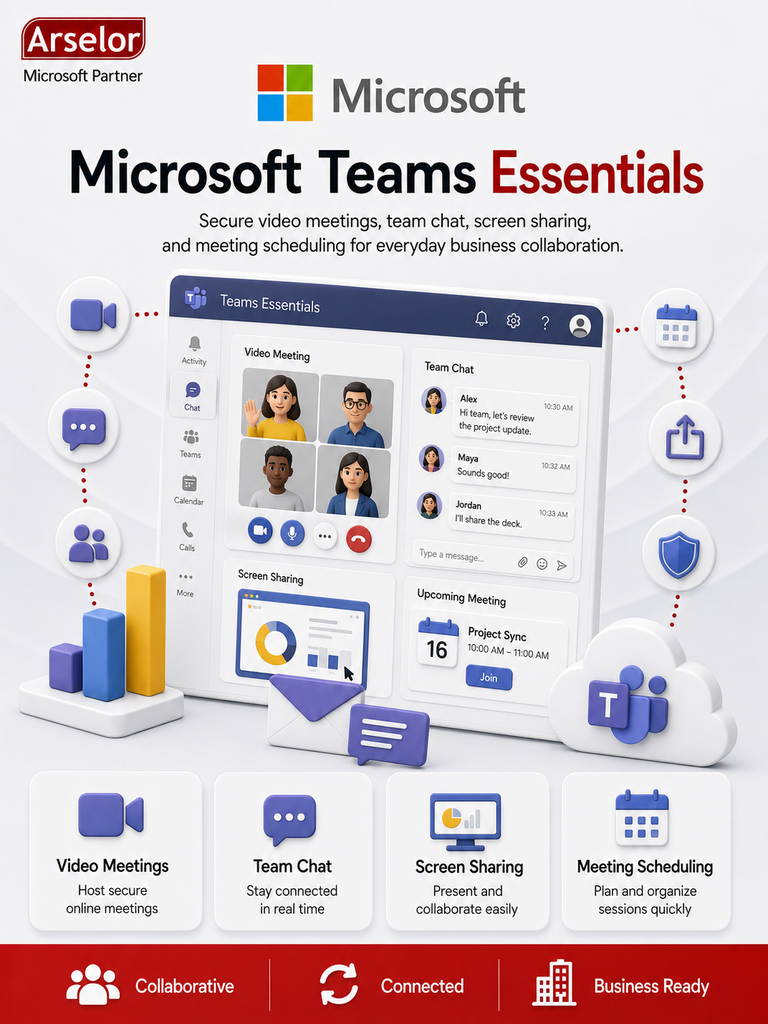
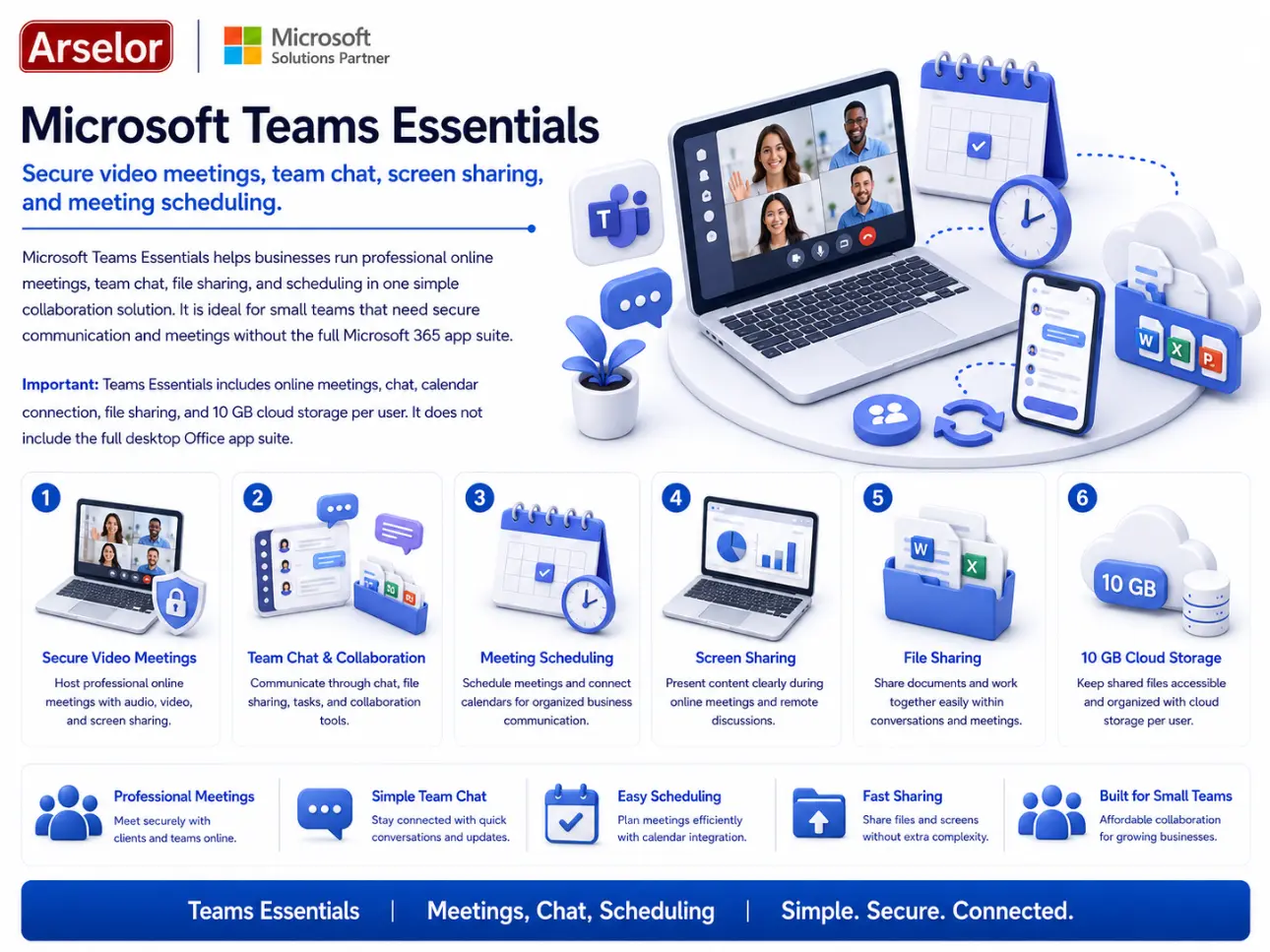
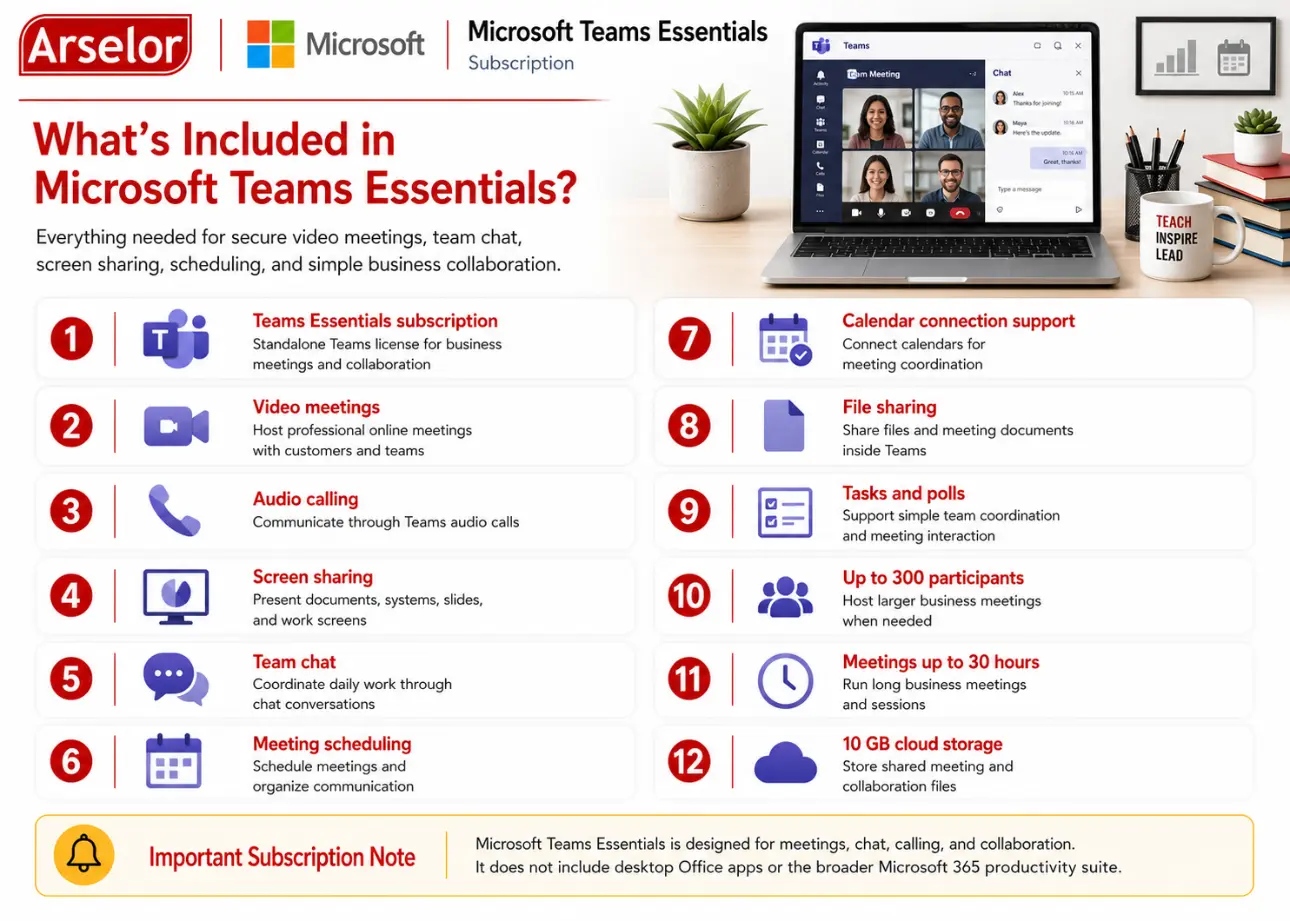
- Microsoft Teams Essentials subscription
- Secure online meetings
- Audio and video calling
- Screen sharing
- Team chat
- Meeting scheduling
- Calendar connection support
- File sharing
- Tasks and polls
- Up to 300 meeting participants
- Meetings up to 30 hours
- 10 GB cloud storage per user
Meetings & Communication
Customer Meetings
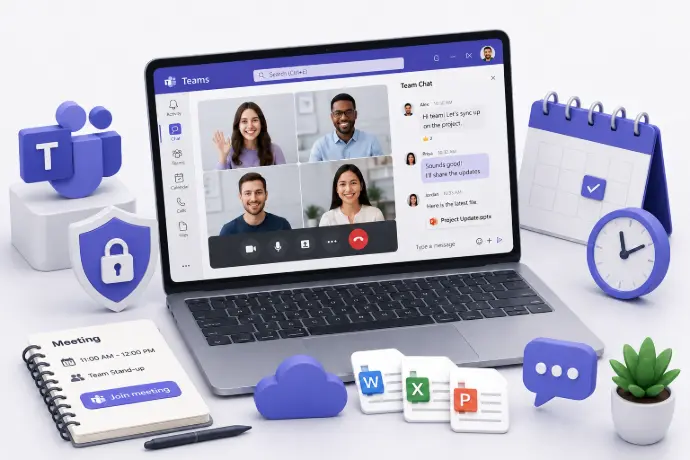
Host professional video meetings with customers, suppliers, consultants, and external stakeholders.
Internal Team Meetings
Run daily check-ins, weekly reviews, sales meetings, and department discussions online.
Screen Sharing
Share presentations, documents, systems, and screens during live meetings.
Team Collaboration
Team Chat
Use chat conversations to coordinate daily work and reduce scattered communication.
File Sharing
Share meeting files and working documents with users inside Teams.
Meeting Scheduling
Schedule meetings and connect calendars to keep business communication organized.
What’s Included in Microsoft Teams Essentials?
Everything needed for secure video meetings, team chat, screen sharing, scheduling, and simple business collaboration.
Trademark Notice: Microsoft, the Microsoft logo, and all related product and service names, logos, trademarks, and registered trademarks are the property of the Microsoft group of companies. Arselor is an independent authorized Microsoft partner and reseller.