Best For
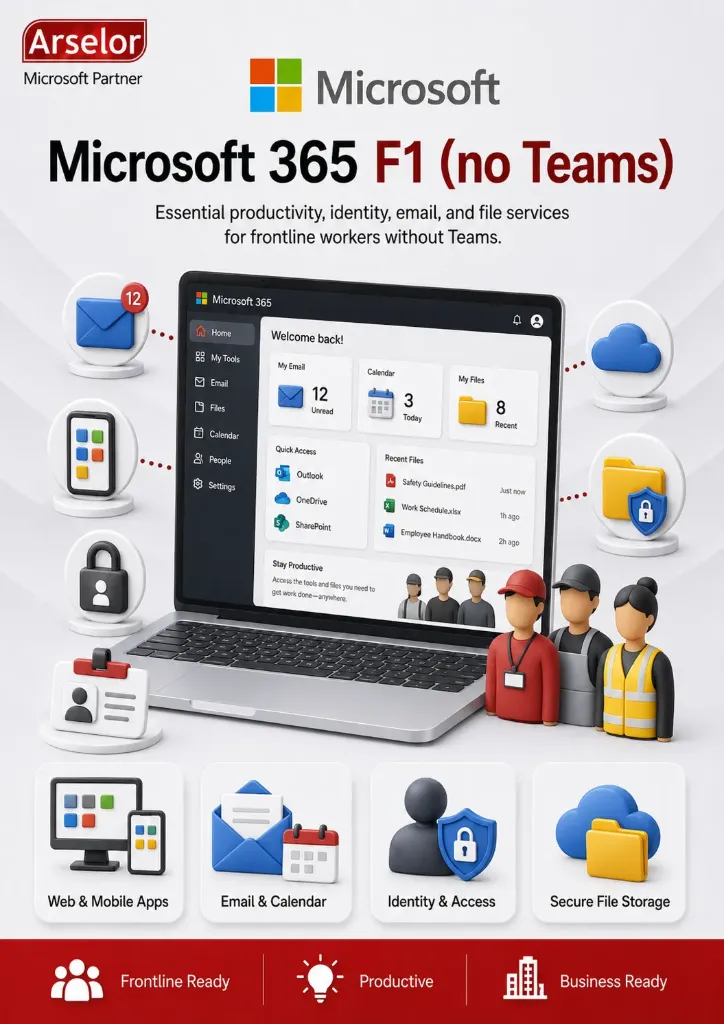
- Frontline employees
- Retail and hospitality staff
- Warehouse and logistics workers
- Manufacturing operators
- Field service technicians
- Organizations using another communication platform instead of Microsoft Teams
Key Features
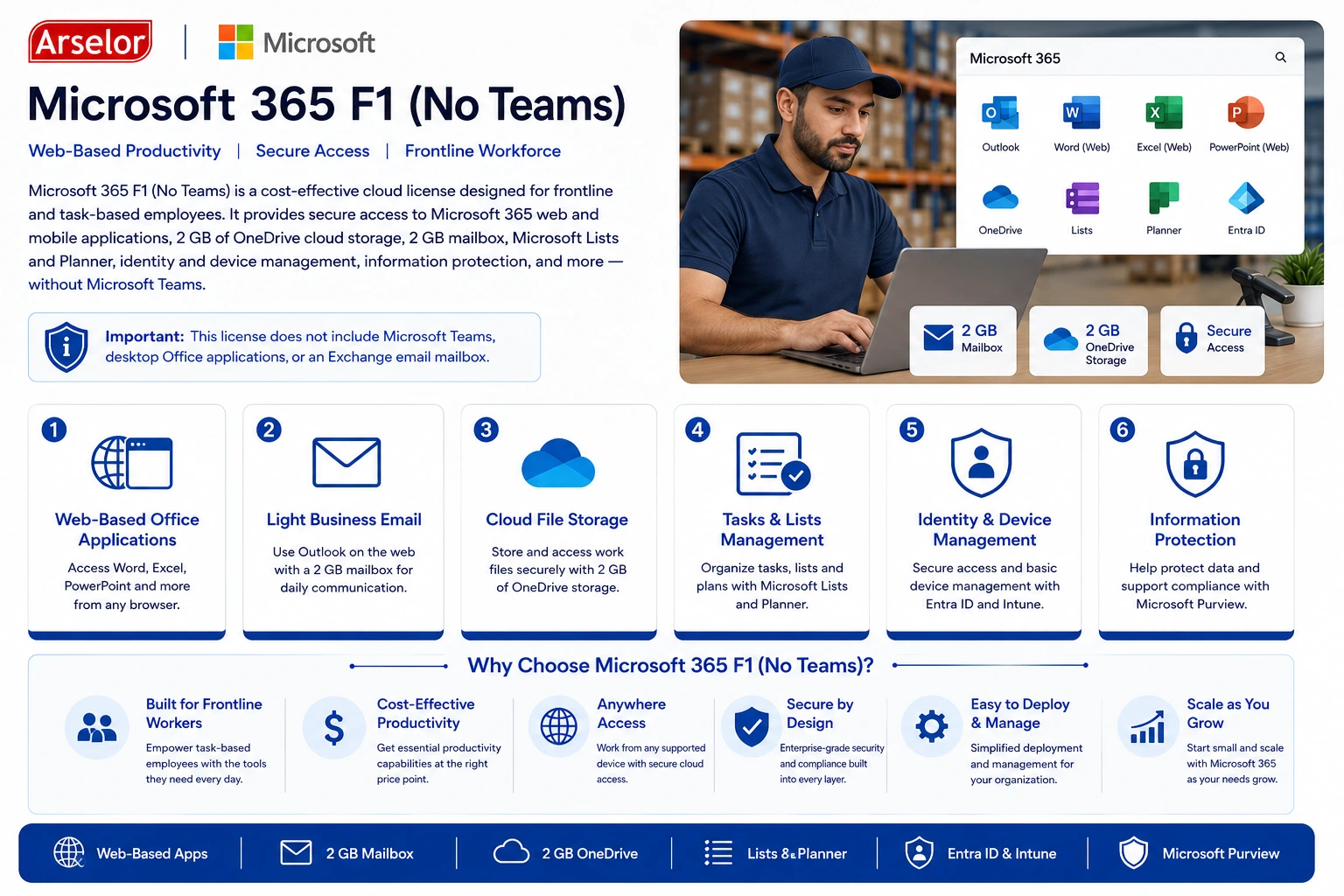
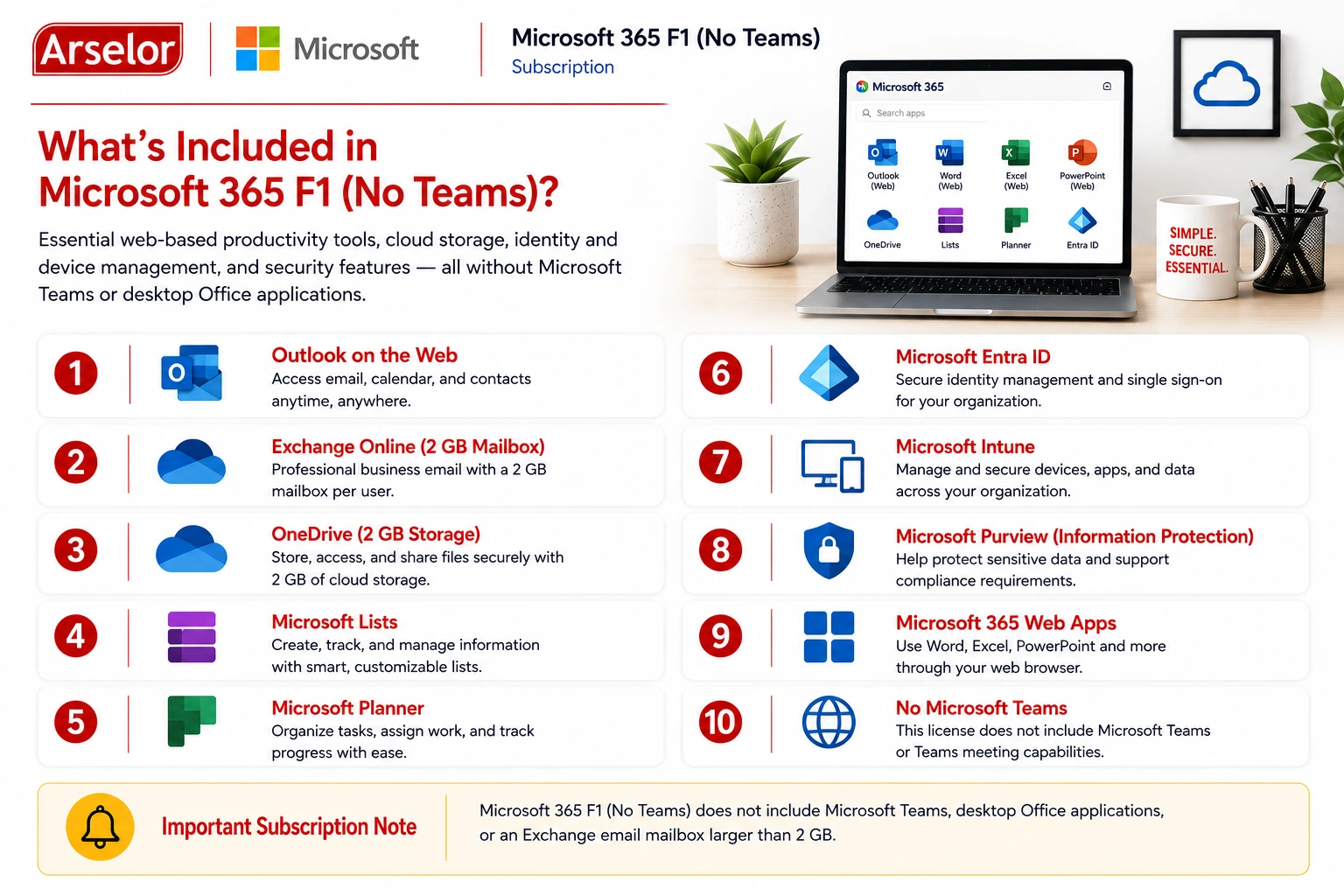
- Microsoft 365 web applications
- Outlook on the web
- 2 GB Exchange Online mailbox
- 2 GB OneDrive cloud storage
- Microsoft Lists and Planner
- Microsoft Entra ID integration
- Microsoft Intune device management
- Microsoft Purview information protection
Business Use Cases
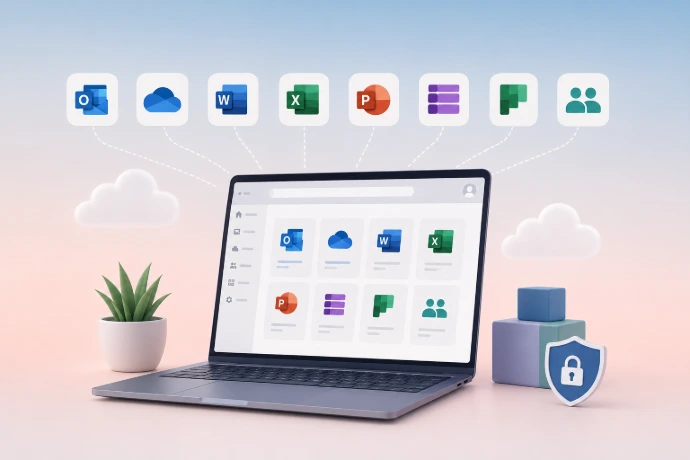
Practical ways frontline and task-based employees use Microsoft 365 F1 (No Teams) every day.
Core Productivity
Web-Based Office Access
View and work with essential Microsoft 365 web and mobile applications from supported devices.
Light Business Email
Use Outlook on the web with a 2 GB mailbox for basic daily communication.
Cloud File Access
Store and access essential work files through 2 GB of OneDrive storage per user.
Frontline Enablement
Task and List Management
Use Microsoft Lists and Planner to organize frontline activities, assignments, and routine work.
Identity and Device Management
Support secure access and basic device controls using Microsoft Entra ID and Intune capabilities.
No-Teams Deployment
Provide Microsoft 365 productivity tools where Teams is not required or is licensed separately.
What’s Included in Microsoft 365 F1 (no Teams)?
Trademark Notice: Microsoft, the Microsoft logo, and all related product and service names, logos, trademarks, and registered trademarks are the property of the Microsoft group of companies. Arselor is an independent authorized Microsoft partner and reseller.