Best For
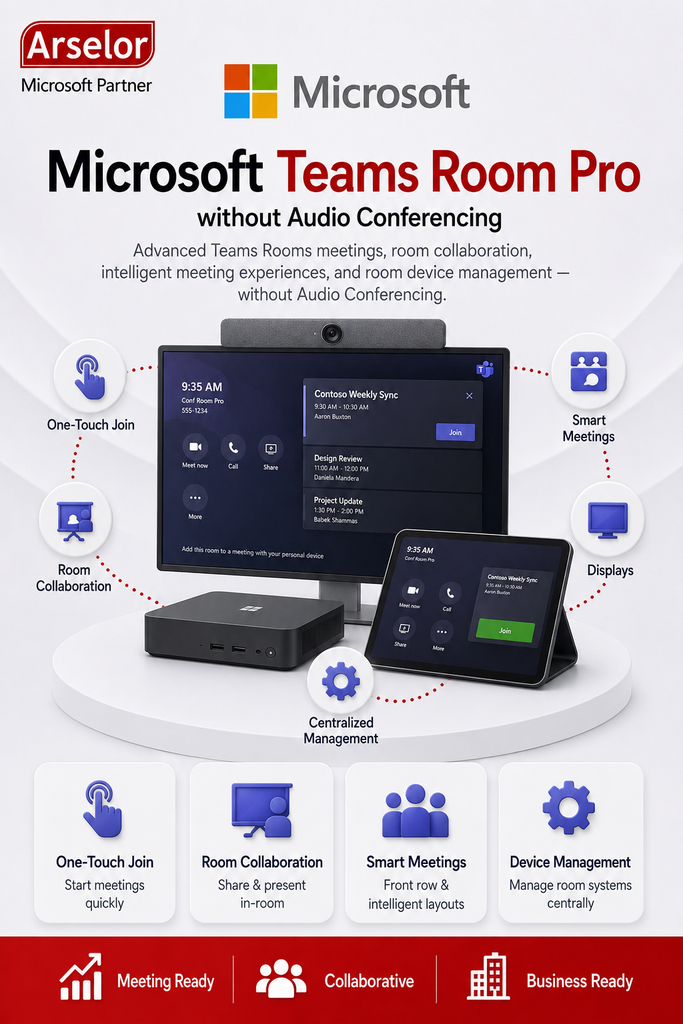
- Organizations using Microsoft Teams Rooms devices
- Meeting rooms that need professional video conferencing
- Businesses supporting hybrid meetings between office and remote users
- Companies that need advanced room layouts and meeting engagement features
- IT teams that manage multiple meeting rooms and shared devices
- Organizations that do not require Audio Conferencing dial-in for the room license
Key Features
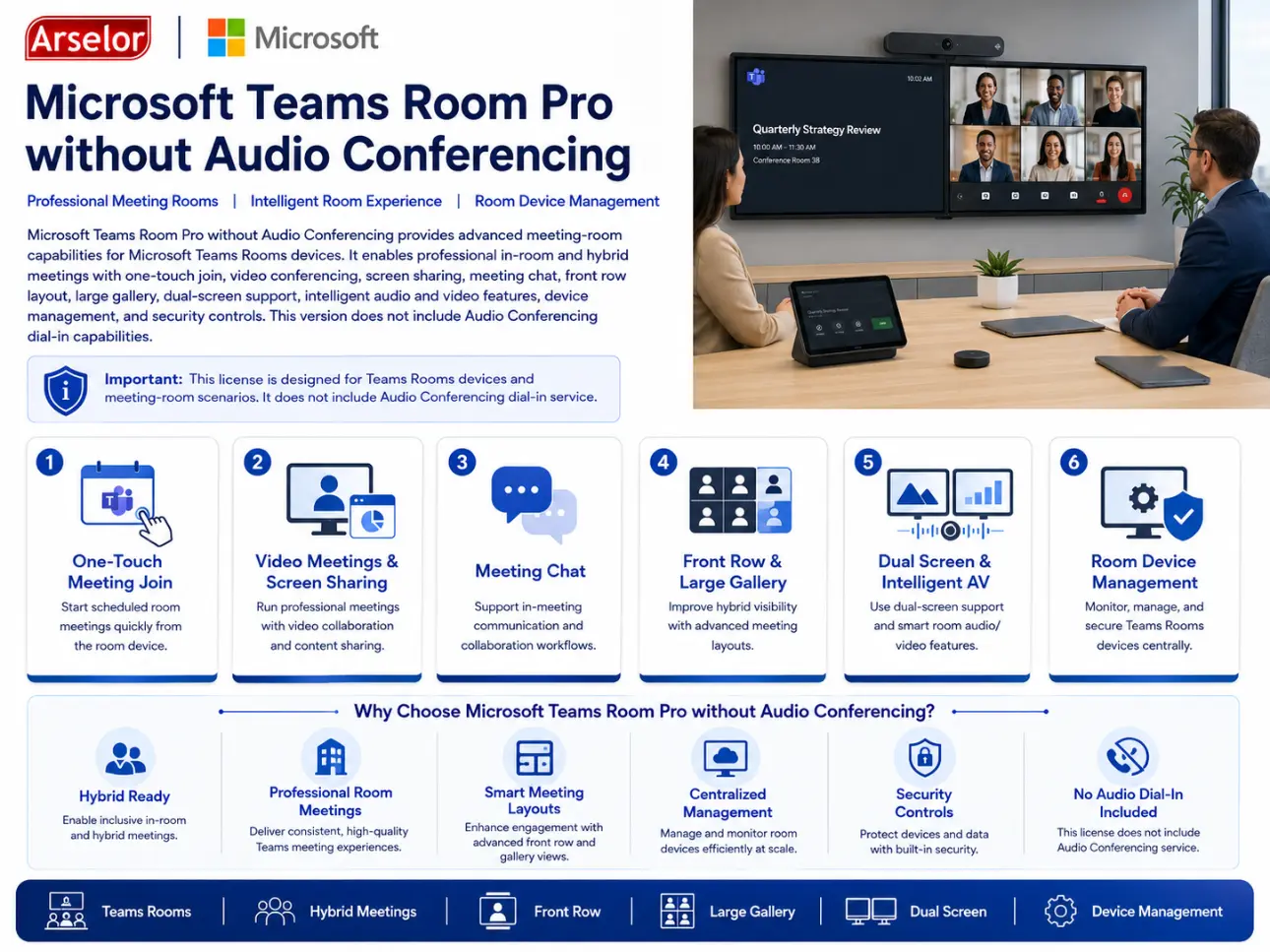
- Microsoft Teams Rooms Pro without Audio Conferencing subscription
- Teams Rooms device licensing
- One-touch Teams meeting join
- Direct Guest Join for supported third-party meetings
- Meeting chat and collaboration features
- Front row meeting layout
- Large gallery and dual-screen support
- Intelligent audio and video capabilities
- Room device management and monitoring
- Microsoft Entra Conditional Access support
- No Audio Conferencing included
Meeting Room Collaboration
Hybrid Meetings
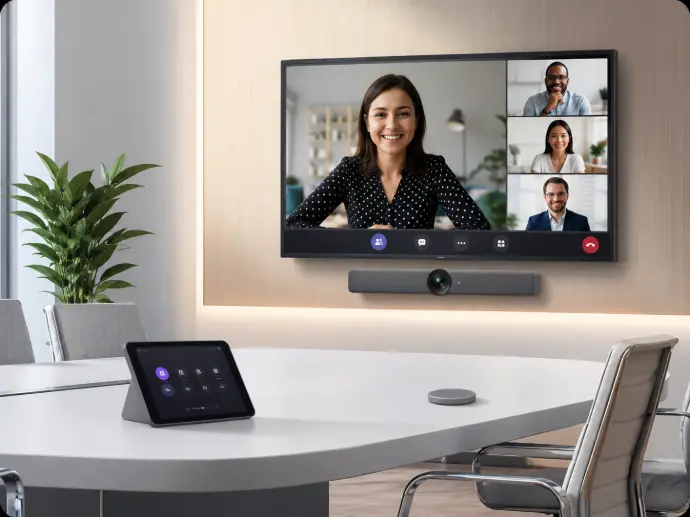
Run professional meetings between office meeting rooms and remote participants using Teams Rooms devices.
Executive and Board Rooms
Equip high-value meeting spaces with advanced room layouts, video, screen sharing, and collaboration features.
Cross-Platform Meeting Join
Use Direct Guest Join to join supported third-party meetings from the room device.
IT and Room Management
Centralized Room Management
Allow IT teams to monitor, manage, and maintain Teams Rooms devices across locations.
Advanced Meeting Experience
Use front row, large gallery, dual-screen support, and intelligent audio/video to improve meeting participation.
No Dial-In Requirement
Use this SKU where Teams Rooms meetings are joined through Teams devices and apps, not PSTN dial-in audio conferencing.
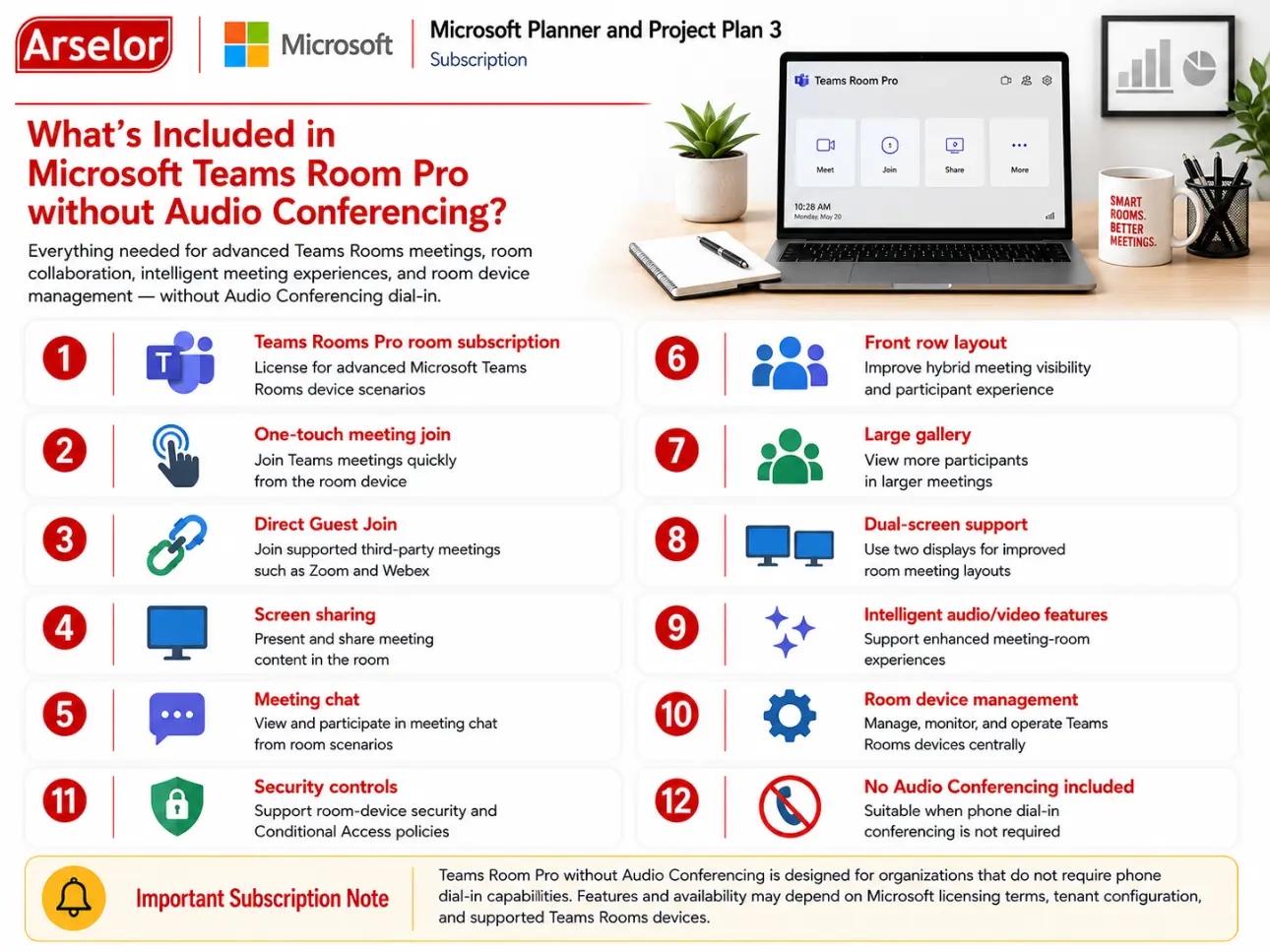
What’s Included in Microsoft Teams Room Pro without Audio Conferencing?
Everything needed for advanced Teams Rooms meetings, room collaboration, intelligent meeting experiences, and room device management — without Audio Conferencing dial-in.
Trademark Notice: Microsoft, the Microsoft logo, and all related product and service names, logos, trademarks, and registered trademarks are the property of the Microsoft group of companies. Arselor is an independent authorized Microsoft partner and reseller.