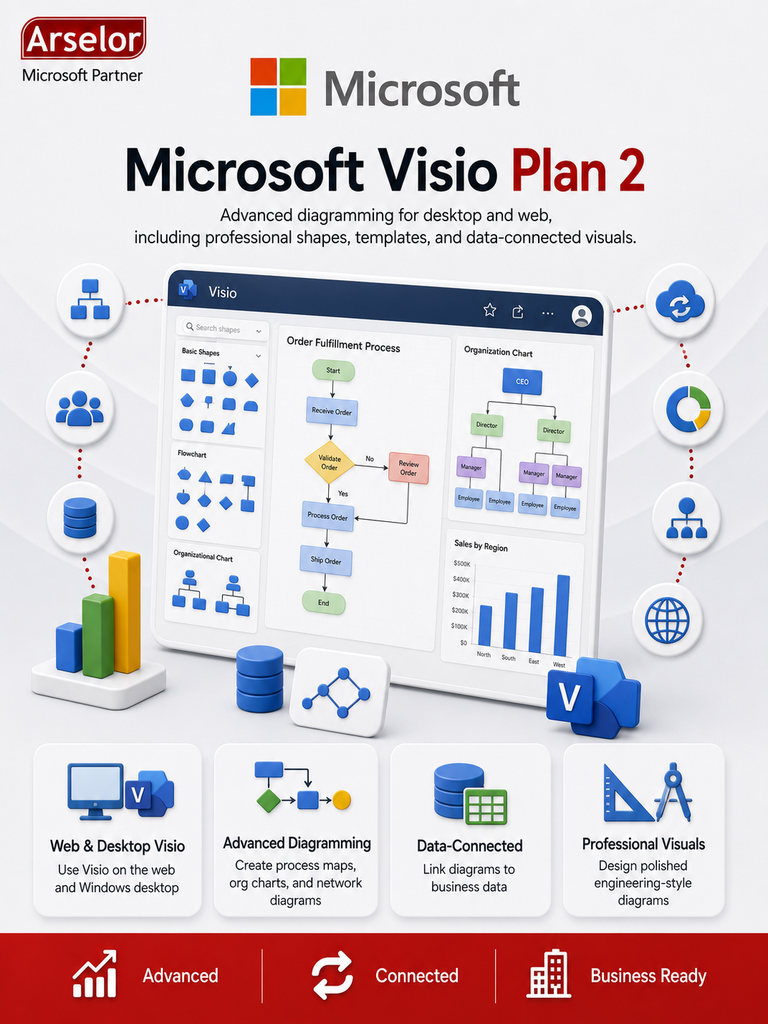
Best For
- Users who need the Visio desktop app
- Teams creating advanced business process diagrams
- IT teams designing network, system, and infrastructure diagrams
- Operations teams documenting complex workflows
- Engineering or technical teams creating structured diagrams
- Users who need more advanced diagramming than Visio Plan 1
Key Features
- Visio Plan 2 subscription
- Visio for the web access
- Visio desktop app for Windows
- Professional diagram templates
- Advanced flowcharts and process diagrams
- Organization chart support
- Network and IT diagram support
- Data-connected diagram capabilities
- Diagram sharing and collaboration
- Suitable for advanced professional diagrams

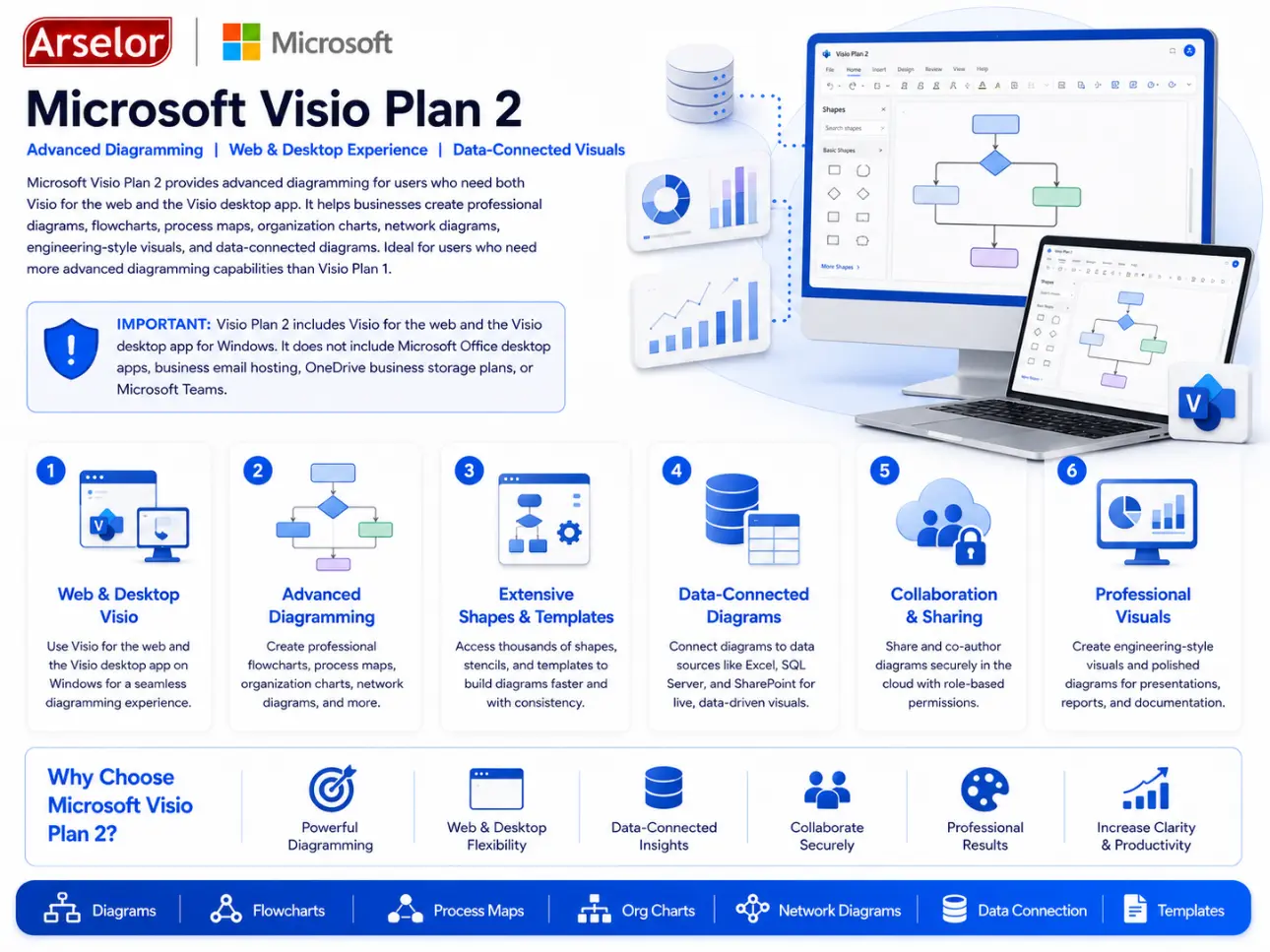
Advanced Diagramming
Professional Flowcharts
Create advanced flowcharts for complex decisions, approvals, operations, and business workflows.
Network & System Diagrams
Design IT architecture diagrams, network layouts, infrastructure diagrams, and system flows.
Process Documentation
Document complex procedures and operational workflows using professional diagram templates.
Technical Visualization
Data-Connected Diagrams
Use data-connected visuals to represent business, process, or operational information more clearly.
Desktop Diagram Editing
Use the Visio desktop app for advanced editing, templates, shapes, and professional diagram creation.
Diagram Sharing
Share diagrams through Microsoft 365 workflows for review, collaboration, and documentation.
What’s Included in Microsoft Visio Plan 2?
Everything needed for advanced professional diagramming using Visio for the web and Visio desktop.
| Included Item | Business Value |
|---|---|
| ✓ Visio Plan 2 subscription | Advanced diagramming license for professional users |
| ✓ Visio for the web | Create, edit, and share diagrams from a browser |
| ✓ Visio desktop app | Use advanced diagramming tools on Windows PCs |
| ✓ Professional templates | Start diagrams faster using advanced templates and shapes |
| ✓ Flowchart creation | Build detailed workflow and decision diagrams |
| ✓ Process mapping | Visualize business processes and operational procedures |
| ✓ Organization charts | Create department and reporting-line diagrams |
| ✓ Network diagrams | Document IT systems, infrastructure, and network layouts |
| ✓ Data-connected diagrams | Create diagrams connected to business or technical data |
| ✓ Diagram sharing | Share diagrams with users through Microsoft 365 workflows |
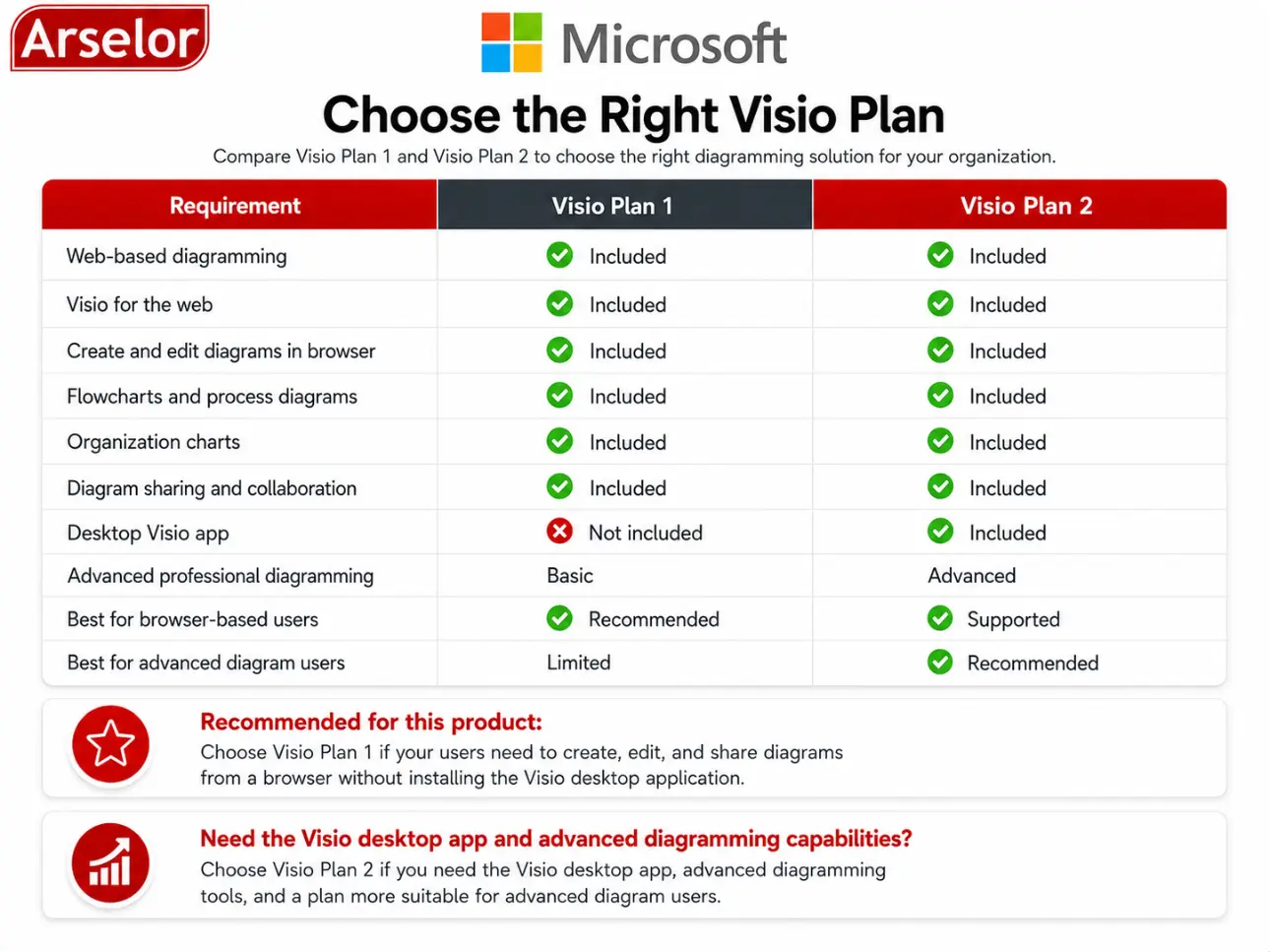
Choose the Right Visio Plan
Choose Visio Plan 1 for web-based diagramming. Choose Visio Plan 2 if users need the Visio desktop app and advanced professional diagramming.
Trademark Notice: Microsoft, the Microsoft logo, and all related product and service names, logos, trademarks, and registered trademarks are the property of the Microsoft group of companies. Arselor is an independent authorized Microsoft partner and reseller.