Best For
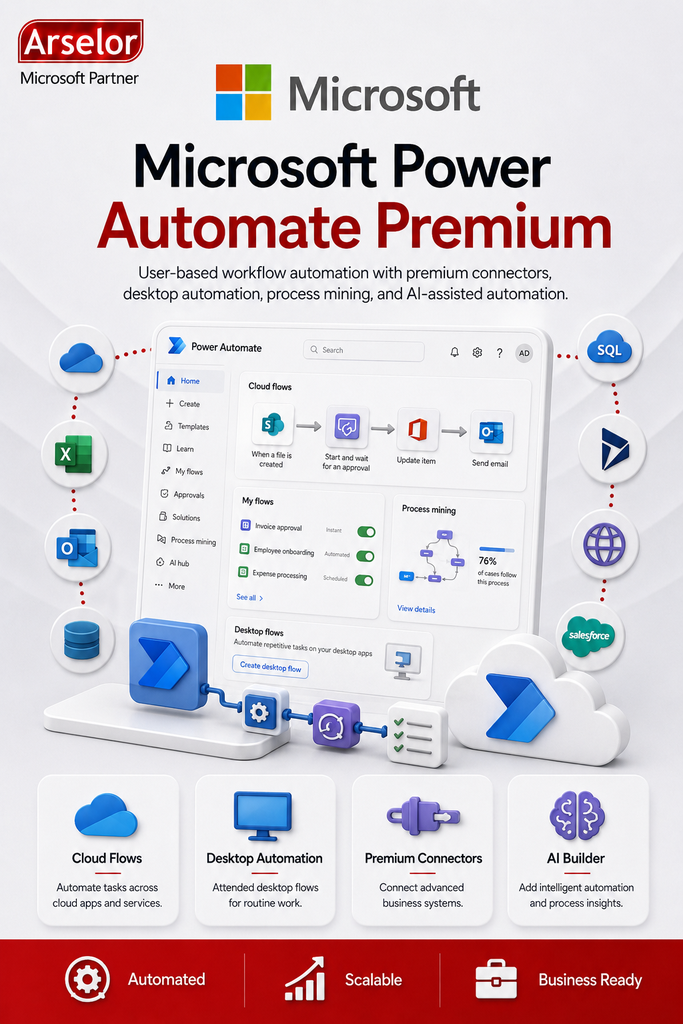
- Businesses that need to automate repetitive manual tasks
- Teams that use approval workflows, notifications, and task routing
- Users who need premium connectors for business applications
- Departments that need to move data between Microsoft 365 and external systems
- Organizations that want to improve processes using process mining
- Users who need attended desktop automation for routine work
Key Features
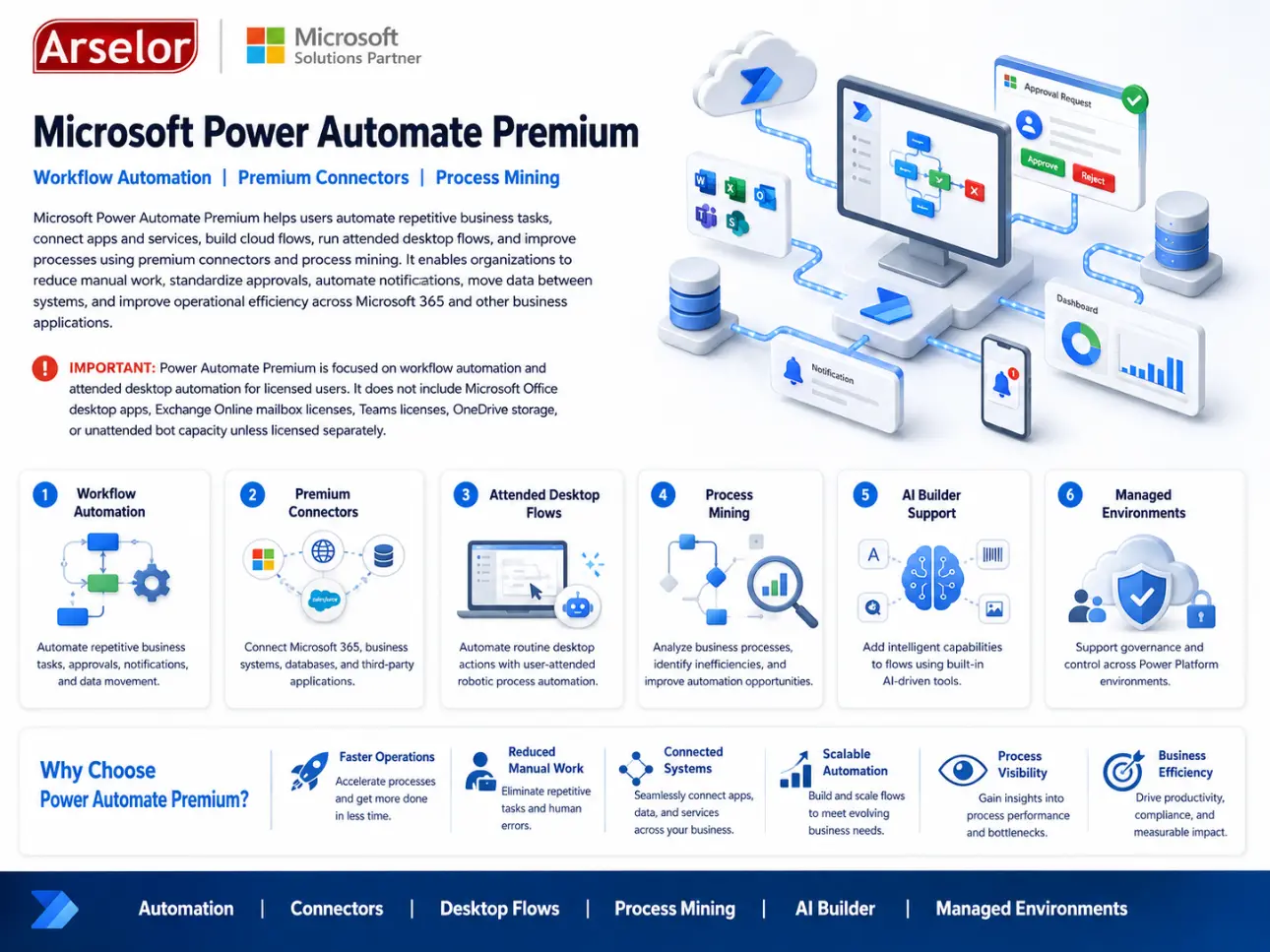
- Power Automate Premium user subscription
- Cloud flow automation
- Attended desktop flow automation
- Premium connectors
- Standard connectors
- Approval workflows
- Process mining and task mining
- AI Builder capabilities
- Microsoft Dataverse storage entitlement
- Managed Environments support
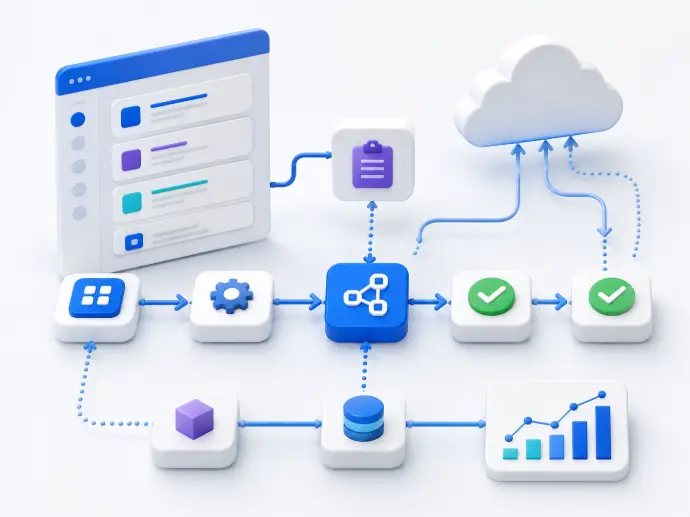
Workflow Automation
Approval Workflows
Automate purchase approvals, leave requests, document approvals, and internal authorization processes.
Notifications and Reminders
Send automated reminders, alerts, and follow-up notifications through email, Teams, or connected systems.
Data Movement Between Systems
Move information between Microsoft 365, CRM, ERP, databases, SharePoint, Excel, and other business platforms.
Process Improvement
Manual Task Reduction
Automate repetitive user actions to reduce manual entry, repeated updates, and operational delays.
Desktop Automation
Use attended desktop flows to help users automate routine actions on local applications and legacy systems.
Process Mining
Analyze how business processes actually run, identify bottlenecks, and find automation opportunities.
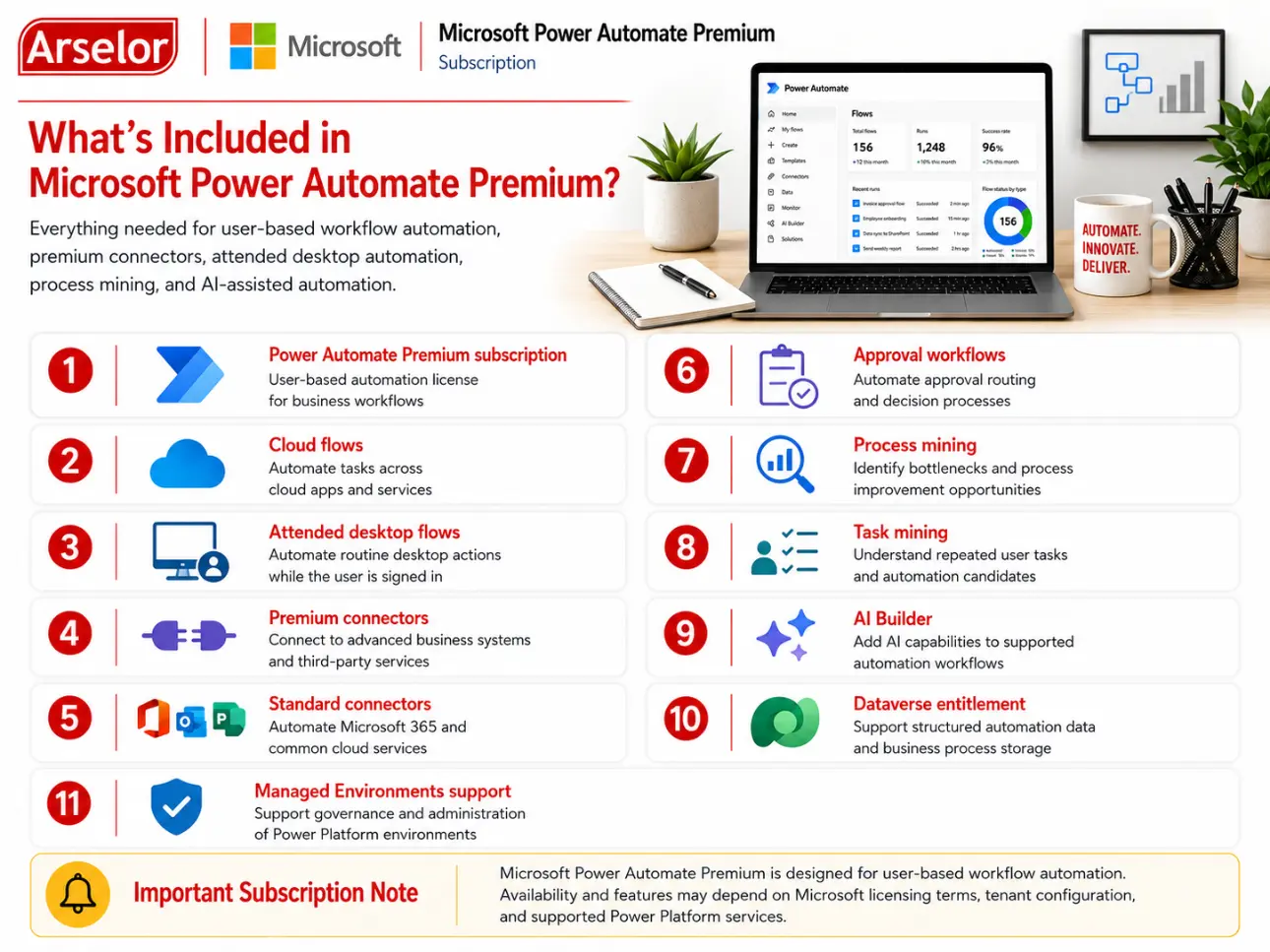
What’s Included in Microsoft Power Automate Premium?
Everything needed for user-based workflow automation, premium connectors, attended desktop automation, process mining, and AI-assisted automation.
Trademark Notice: Microsoft, the Microsoft logo, and all related product and service names, logos, trademarks, and registered trademarks are the property of the Microsoft group of companies. Arselor is an independent authorized Microsoft partner and reseller.