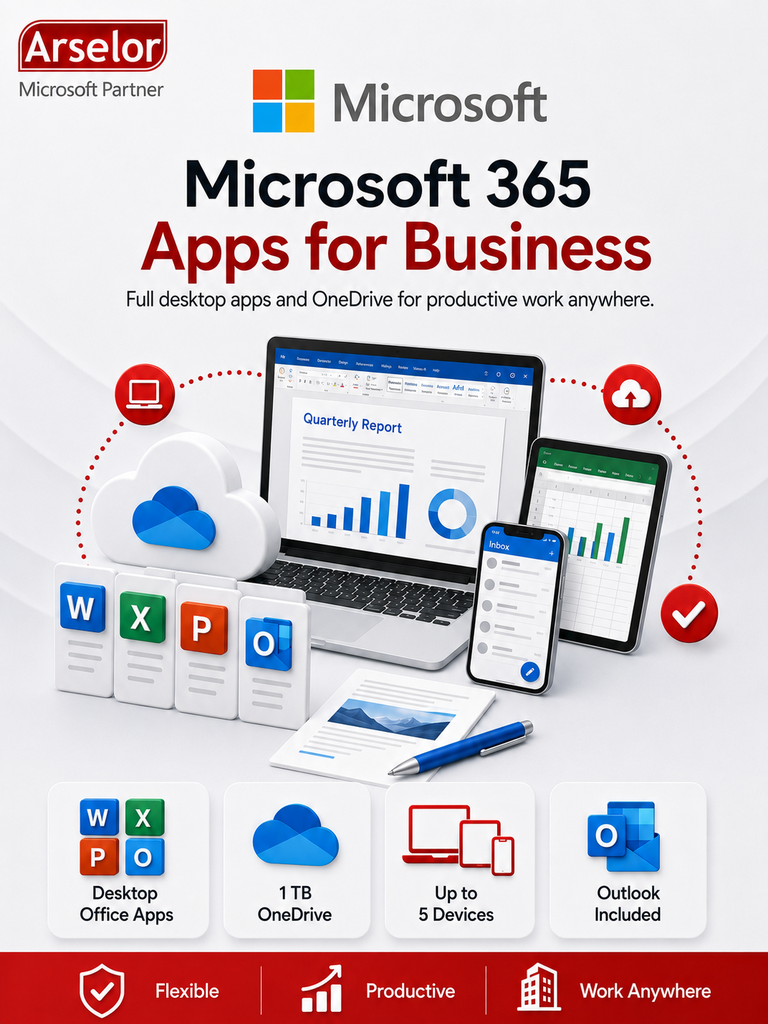
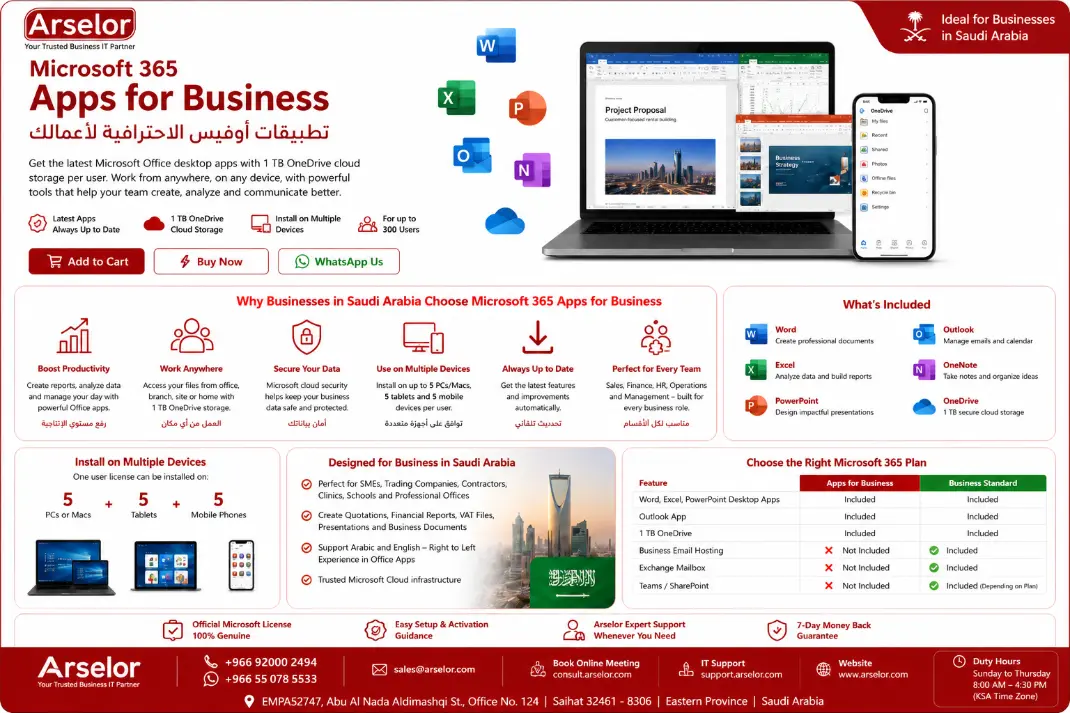
Work smarter with Premium Office Apps
Create documents, manage spreadsheets, build presentations, and access files securely with Microsoft 365 desktop apps and OneDrive.

Excel Reports
Prepare sales reports, VAT files, cost sheets, price lists, and management dashboards using Excel.

Presentations
Build company profiles, project presentations, and customer proposals using PowerPoint.

Business Documents
Create professional letters, contracts, quotations, and proposals using Microsoft Word.

Outlook App
Use the Outlook desktop application to manage your existing email and calendar in one place.
.

OneDrive Storage
Store, edit, and access business files from office, branch, site, or mobile using 1 TB OneDrive storage.

Multi-Device Use
Install Office apps on multiple devices so users can work from PC, tablet, and mobile.
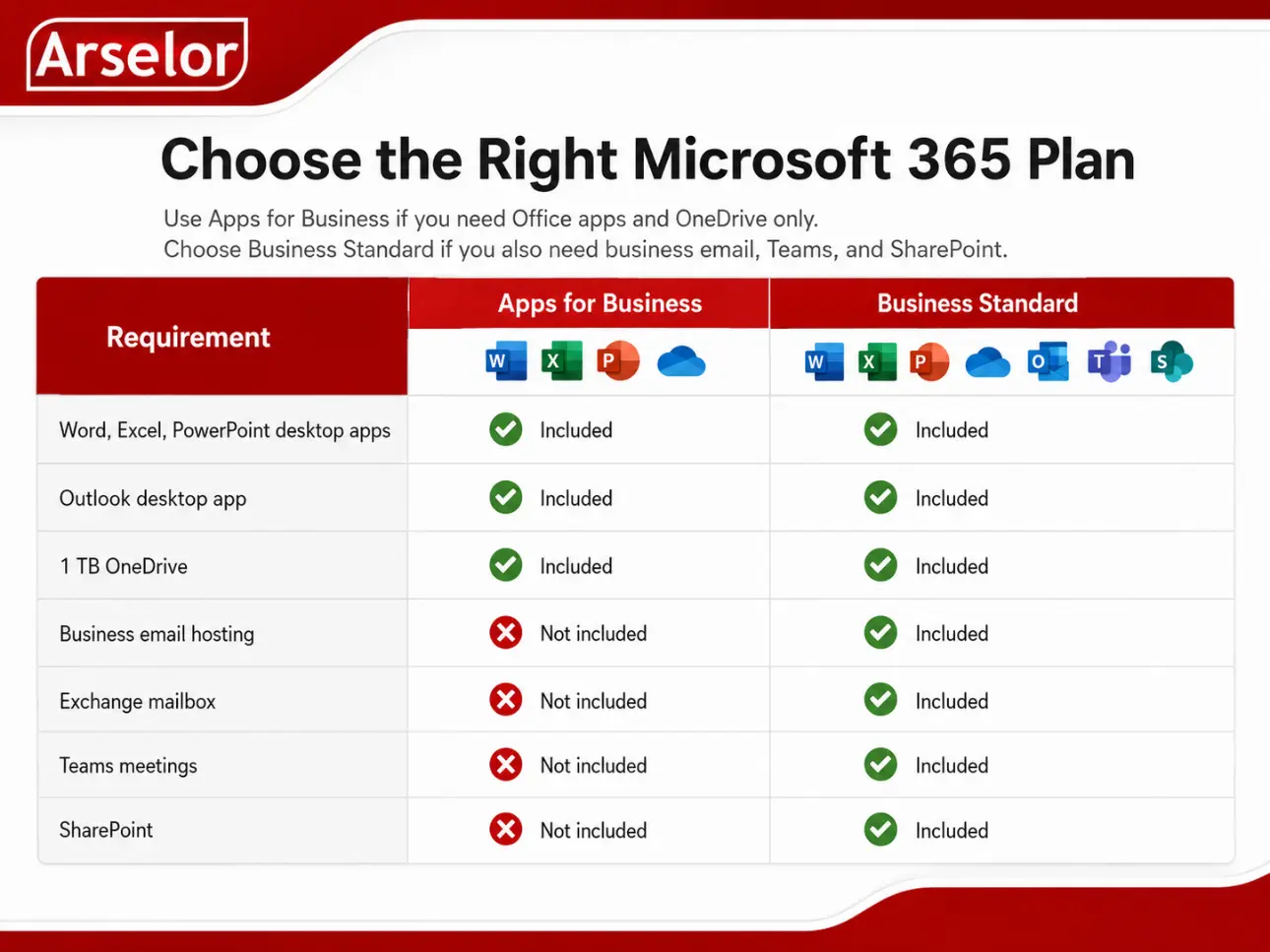
Choose the Right Microsoft 365 Plan
Use Apps for Business if you need Office apps and OneDrive only. Choose Business Standard if you also need business email, Teams, and SharePoint.
Recommended for this product:
Choose Microsoft 365 Apps for Business if your company needs Word, Excel, PowerPoint, Outlook app, and OneDrive storage, but does not need Microsoft-hosted business email.
Need business email?
Contact Arselor to choose Microsoft 365 Business Standard or Exchange Online.
Arselor Support Included
Support Area | How Arselor Supports You
|
|---|---|
| License Activation | Guidance to activate the Microsoft 365 license |
| Microsoft 365 Account | Basic account and license assignment guidance |
| Office Installation | Help installing Office apps on user devices |
| OneDrive Guidance | Basic file storage and sync guidance |
| User Onboarding | Basic guidance for business users |
| Support Channels | Assistance through Arselor official support channels |
Trademark Notice: Microsoft, the Microsoft logo, and all related product and service names, logos, trademarks, and registered trademarks are the property of the Microsoft group of companies. Arselor is an independent authorized Microsoft partner and reseller.